AI agent governance in UK local government starts with a trail. For every AI agent, the council should be able to show who approved it, what it was allowed to do, what has changed since, who owns it now and whether it delivered what it was approved for. Most councils cannot, because the approval lived in a Teams chat and nothing was recorded after go-live. This guide sets out the record to keep at each stage, so the council can answer a governance review in minutes rather than weeks of digging.
It sits within our wider guide to AI portfolio management, which covers running every AI initiative as one portfolio. Here the focus is narrower: agents, the trail behind them, and the questions a review will ask.
Why agents need a stronger trail than other projects
A normal IT project is approved, built and handed over. An AI agent keeps changing after it goes live. Its prompts are edited, its data sources grow, the model underneath is updated and its scope creeps as teams find new uses for it.
Agents also act. Copilot agents draft planning responses and route housing enquiries. Power Automate flows process benefit correspondence with little human review. Triage tools help social care teams prioritise referrals. Each one shapes decisions about residents and spends public money, which is why an approval made once and filed away does not hold up.
What the law expects
Two pieces of the current framework matter most.
Automated decisions. The rules changed this year. On 5 February 2026, section 80 of the Data (Use and Access) Act 2025 replaced Article 22 of UK GDPR with new Articles 22A to 22D. Organisations can now make significant decisions based solely on automated processing on a wider range of lawful bases, but only with safeguards in place. The ICO’s draft guidance on the ADM safeguards sets out what that means: telling people about the decision, letting them make representations, offering human intervention and letting them contest the outcome. Stricter limits still apply where special category data, such as health information, is involved.
For a council, the practical point is the same as before, only sharper. You need to know which agents make or substantially shape significant decisions about residents, and you need to show the safeguards for each one. That is impossible without a record of what each agent does.
Transparency. The government’s Algorithmic Transparency Recording Standard gives public bodies a common format for publishing how and why they use algorithmic tools. Its use is mandatory across central government, and the government has signalled it will extend to the wider public sector over time. Councils are not yet obliged to publish records, but the standard is a useful checklist of what a good record covers: purpose, data, human oversight, risks and who is accountable.
The audit trail, stage by stage
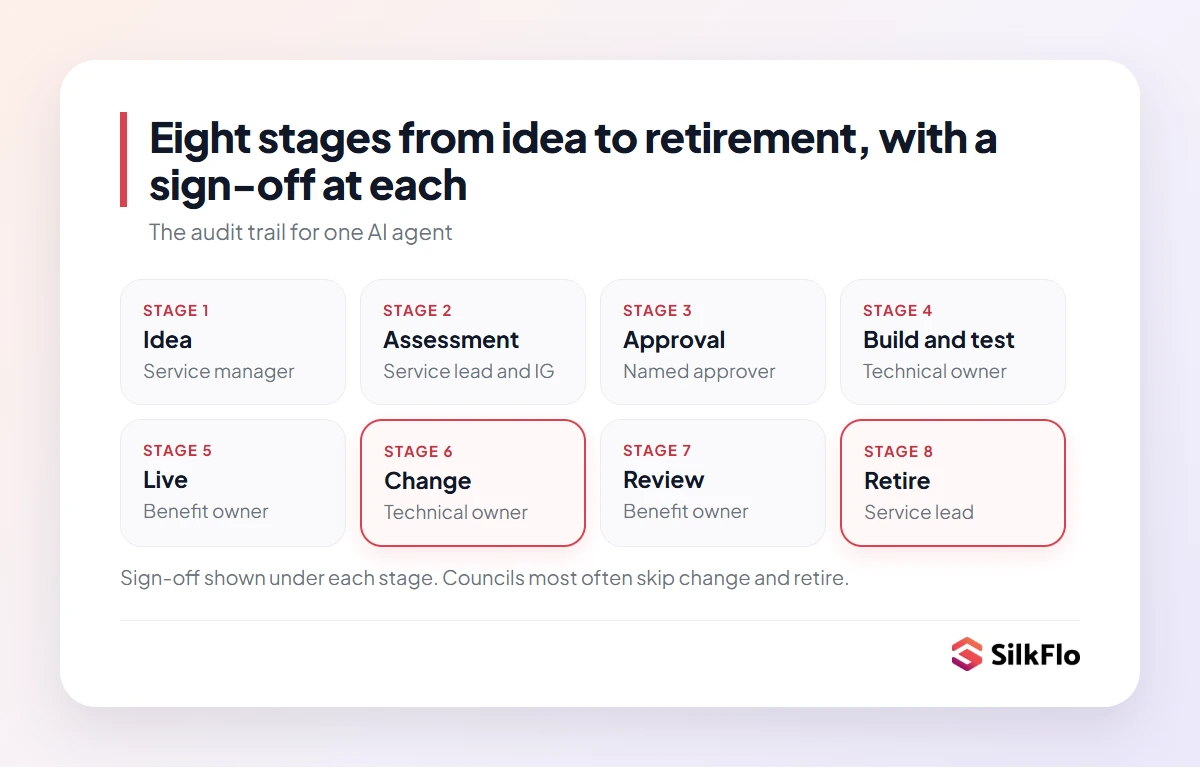
Keep one record per agent and add to it at each stage. Nothing gets overwritten.
| Stage | What to record | Who signs off |
|---|---|---|
| Idea | The service problem, the process it would change, the resident data involved | Service manager |
| Assessment | Expected benefit, risks, and whether significant decisions about residents are involved | Service lead and Information Governance |
| Approval | Business case, data protection impact assessment (DPIA), risk assessment and the human review step | Named approver, with finance sign-off above the spend threshold |
| Build and test | Data sources, prompt or configuration, test results and known failure cases | Technical owner |
| Live | Go-live date, benefit owner and the first measures | Benefit owner |
| Change | Every change to prompts, data, model or scope, with the reason and who approved it | Technical owner, plus re-approval if scope grows |
| Review | Monthly benefit and issue log against the business case | Benefit owner |
| Retire | Why it was switched off, and what happened to its data | Service lead |
The two stages councils most often skip are change and retire. An agent approved for one task in March can be doing three by September with no new approval. When a review asks what the agent does today, the original approval no longer answers it.
How do we show an audit trail from AI idea to live system when a governance review asks for it?
Expect five questions, and know where each answer lives.
- What AI agents are live right now? The answer is a single register, not a hunt through each directorate.
- Who approved this one, and on what basis? The approval record and the business case it was based on.
- What does it do today, and when did that change? The change log.
- Where is the human in the loop? The review step for any significant decision about a resident, and how a resident can ask for it.
- Is it delivering what it was approved for? The monthly review against the business case.
If any answer depends on finding the person who set the agent up, the trail has a gap.
Staff and citizen developers are building their own bots and agents. How do we bring them into one register?
Low-code tools make it easy for any team to build an agent or flow, and many never go near IT. Banning them rarely works. Bringing them into the register does.
- Make registering easy. A short form in plain words (what it does, what data it touches, who owns it) gets far more entries than a long technical template.
- Offer something back. Registered tools get support, a fair share of licences and help measuring their value. Unregistered ones get none of that.
- Use the platform data. Power Platform and other admin centres list what is running. Compare that list with the register every month and follow up the gaps.
- Set a simple trigger for full review. Anything that touches resident data or influences a decision about a resident goes through the full approval stages. Everything else stays on the light track.
Where do we keep all the documents for each AI initiative?
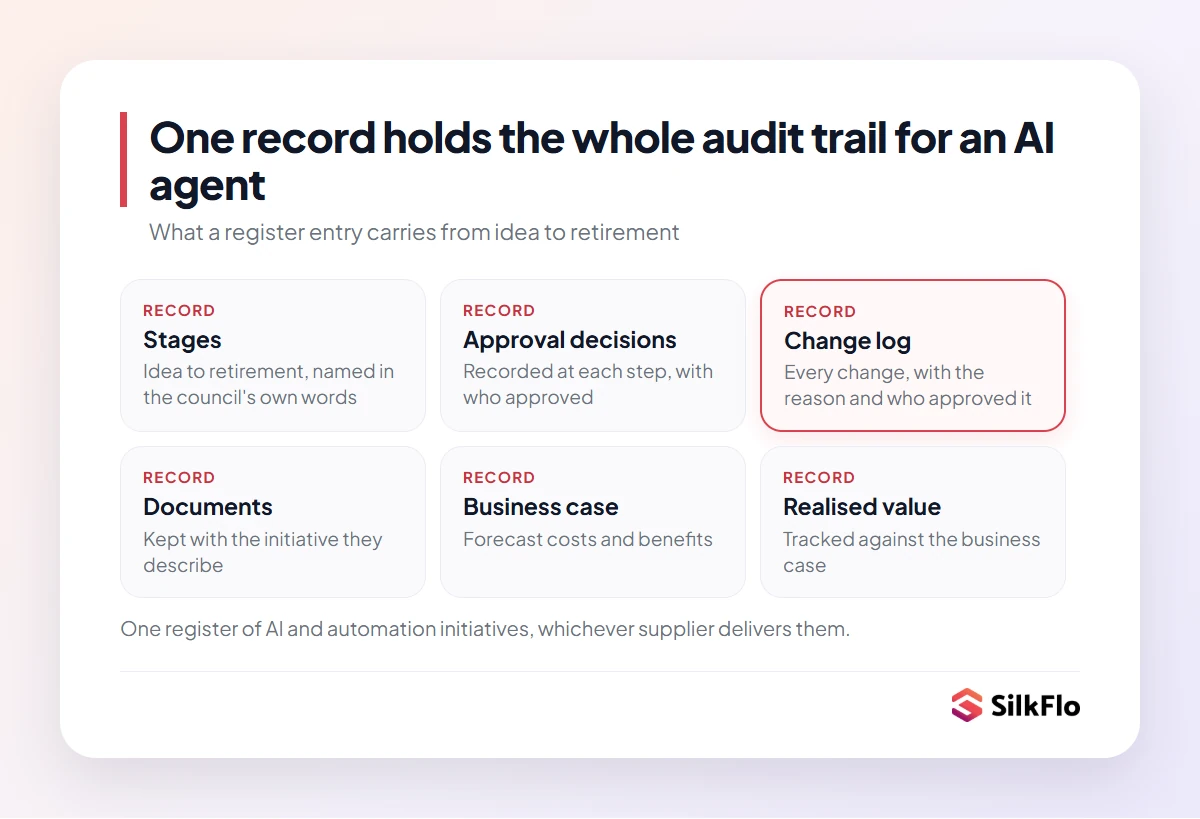
In one place, attached to the agent’s record. That means the business case, DPIA, risk assessment, approval decision, test evidence, change log and review notes. Shared drives and email threads scatter them across the council, and they disappear when people move on. A single record per initiative keeps the evidence with the thing it describes.
The common gaps
- Platform approval treated as use-case approval. Signing up for Microsoft 365 Copilot or clearing Power Automate does not approve every agent built on them.
- Approvals in chat and email. A Teams message from a team leader is not an approval record.
- No benefit owner. The technical owner keeps it running, but nobody is accountable for whether it pays back.
- Unrecorded changes. Prompts and data sources are edited with no log.
- No retirement. Agents nobody uses keep running, keep costing and keep processing data.
Fixing it in four steps
- Build the register. List every live agent and automated flow that touches resident data or decisions: Copilot agents, Power Automate flows, UiPath bots and any other AI-assisted process. Record the owner and what each one does today.
- Backfill the approvals. For each agent, find the approval and business case. Where none exists, write one now and have it signed off.
- Add a gate for new agents. No agent reaches resident data in production without a DPIA, a risk assessment, a named benefit owner and a recorded approval.
- Start the change log. From today, every change to an agent’s prompts, data, model or scope is recorded with who approved it.
Every agent also needs a business case that can be tested against results. Our guide to value for money in local government covers the evidence finance will ask for, and the free AI ROI calculator works out return and payback before an agent is approved.
How SilkFlo helps
SilkFlo gives a council one register of AI and automation initiatives, from idea to retirement, whichever supplier delivers them. Staff describe an idea in plain words, and AI fills the intake form and seeds an ROI estimate, which makes registering quick enough that people actually do it. Each initiative moves through stages with approval decisions recorded at each step, and councils name the stages in their own words so the gates match local governance. Every change is logged, documents sit with the initiative they describe, and realised value is tracked against the business case.
Staffordshire County Council uses SilkFlo to track its UiPath, Power Automate and Microsoft Copilot initiatives in one place. SilkFlo is listed on G-Cloud 15. To see how the register and audit trail work, book a SilkFlo demo.
For keeping that register intact through a merger, see our guide to the digital asset register for local government reorganisation.
Frequently Asked Questions
AI agent governance in UK local government
Where do we keep all the documents for each AI initiative?
Attached to that initiative’s record: business case, DPIA, risk assessment, approval, test evidence, change log and reviews. Not in shared drives or email threads, where they scatter and disappear when people move on.
Staff and citizen developers are building their own bots and agents. How do we bring them into one register?
Make registering quick and in plain words, give registered tools support and licences, compare platform admin data with the register every month, and send anything that touches resident data or decisions through full approval.
How do we show an audit trail from AI idea to live system when a governance review asks for it?
Keep one record per agent that covers idea, assessment, approval, build, go-live, every later change, monthly review and retirement, with a named sign-off at each stage. A review will ask what is live, who approved it, what it does today, where the human review step is and whether it delivered. The record should answer all five without anyone digging.
Microsoft, Microsoft Copilot, Microsoft Power Automate, Microsoft Power Platform and Microsoft Teams are trademarks of the Microsoft group of companies.